In modern enterprise applications, developers working with Alfresco’s Application Development Framework (ADF) often face a steep learning curve. From Angular complexity to ECM/BPM integrations, building scalable solutions can become time-consuming and frustrating.
This is where Claude Code, powered by AI models from Anthropic, is changing the game. It acts as an intelligent coding assistant that helps Angular developers working with Alfresco ADF build faster, debug smarter, and reduce dependency on incomplete documentation.
In this guide, you’ll learn how to effectively use Claude Code for ADF development, along with practical strategies to maximize productivity.
What is Claude Code?
Claude Code refers to using advanced Claude AI models (like Claude 3) to assist with software development tasks such as:
- Code generation
- Debugging
- Refactoring
- Documentation
- Unit testing
Unlike traditional autocomplete tools, Claude understands context and can reason through complex Angular + ADF scenarios.
Why Alfresco ADF Developers Need Claude Code
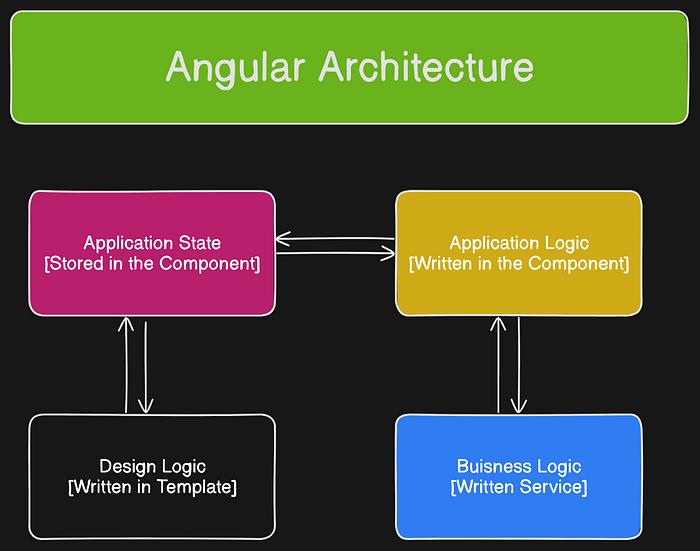
Alfresco ADF is powerful—but comes with challenges:
- Sparse and fragmented documentation
- Complex module dependencies
- Difficult APS (Process Services) integrations
- Authentication and configuration issues
Claude helps bridge these gaps by acting as a knowledgeable pair programmer who understands Angular architecture and ADF patterns.
1. Generate ADF Components Faster

Creating ADF components manually involves:
- Importing multiple modules
- Configuring services
- Writing repetitive boilerplate
With Claude Code, you can simply prompt:
“Create an Angular ADF document list component with filtering and sorting”
Claude will generate:
- Structured Angular component
- Correct ADF imports
- Column definitions and service wiring
This saves hours of effort and reduces human error.
2. Debug Configuration Issues in Minutes

ADF configuration files like app.config.json and authentication setups can be tricky.
Claude can:
- Identify missing module imports
- Fix incorrect CoreModule.forRoot() usage
- Diagnose authentication issues (OAuth2, Keycloak, Basic Auth)
Instead of searching forums, you get a precise explanation and fix instantly.
3. Simplify APS (Process Services) Integration
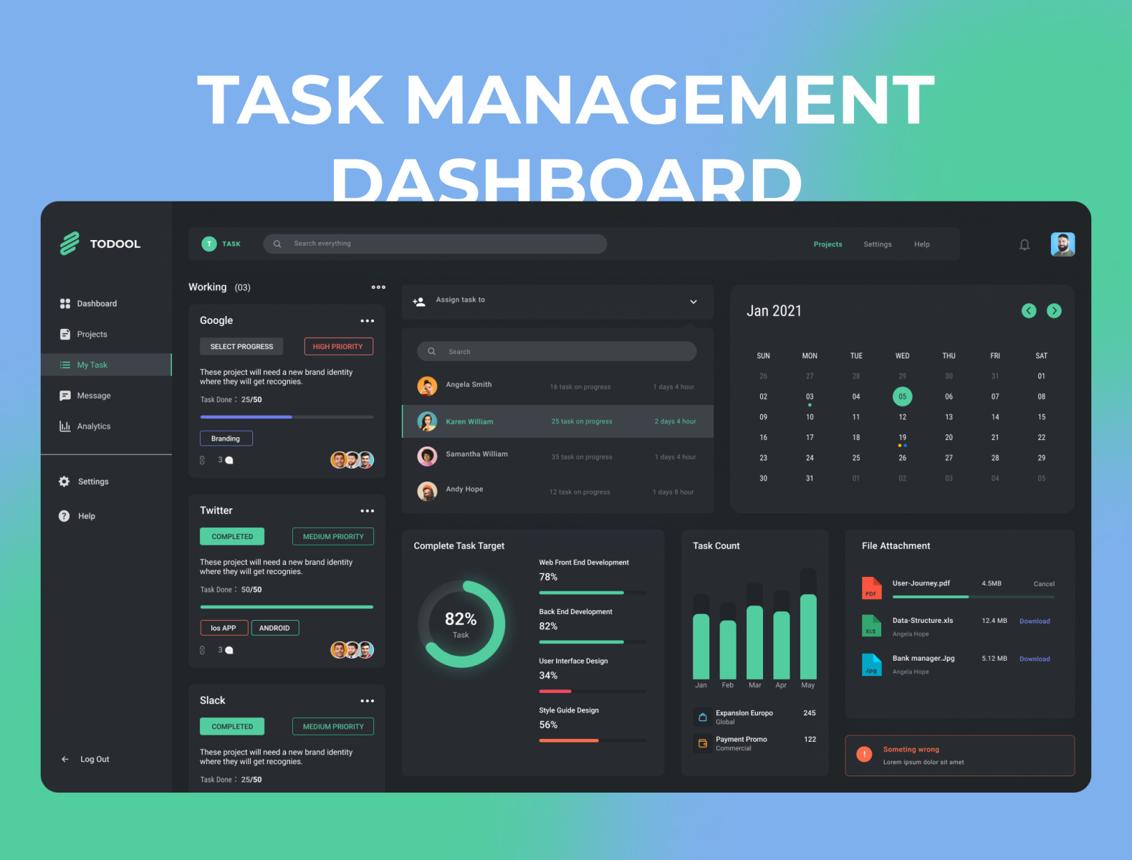
Integrating Alfresco Process Services (APS) is one of the most complex parts of ADF.
Claude helps you:
- Generate task list components
- Work with process definitions
- Integrate dynamic forms
- Configure required Angular modules
This eliminates the need to dig through scattered documentation.
4. Work Efficiently with Content Models
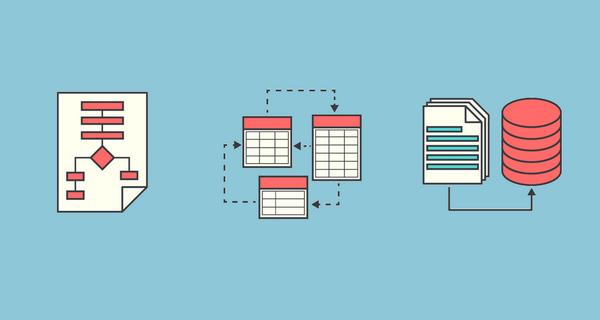
Alfresco content models (types, aspects, metadata) are critical in enterprise apps.
Claude can:
- Map backend properties to UI fields
- Generate Angular reactive forms
- Suggest dynamic binding strategies
This makes it easier to connect backend content structures with frontend UI.
5. Write Unit Tests Without Hassle
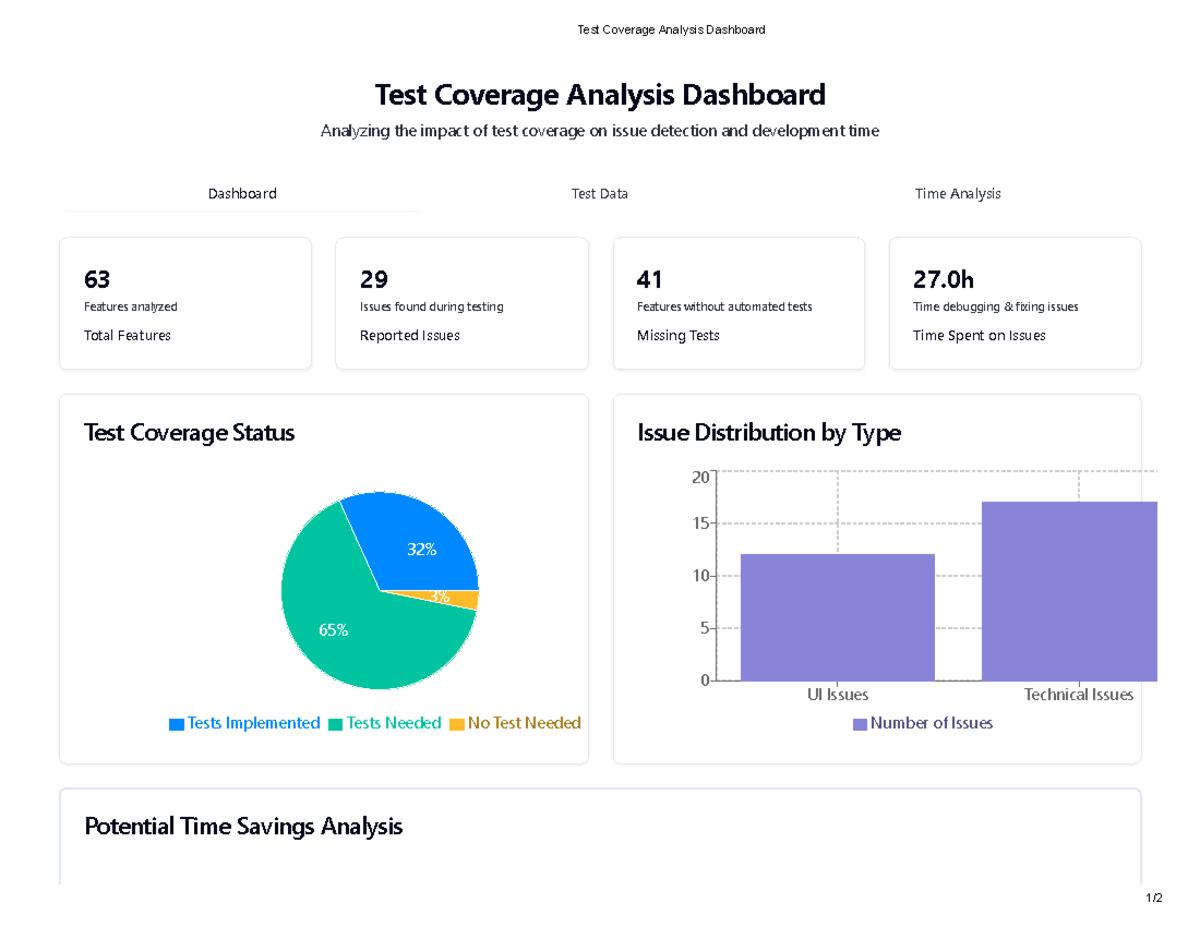
Testing ADF components requires heavy setup and mocking.
Claude can generate:
- Complete TestBed configurations
- Mock services like API and authentication
- Async test patterns using Angular utilities
This improves test coverage while saving development time.
6. Optimize Your Prompting Strategy (SEO Insight)
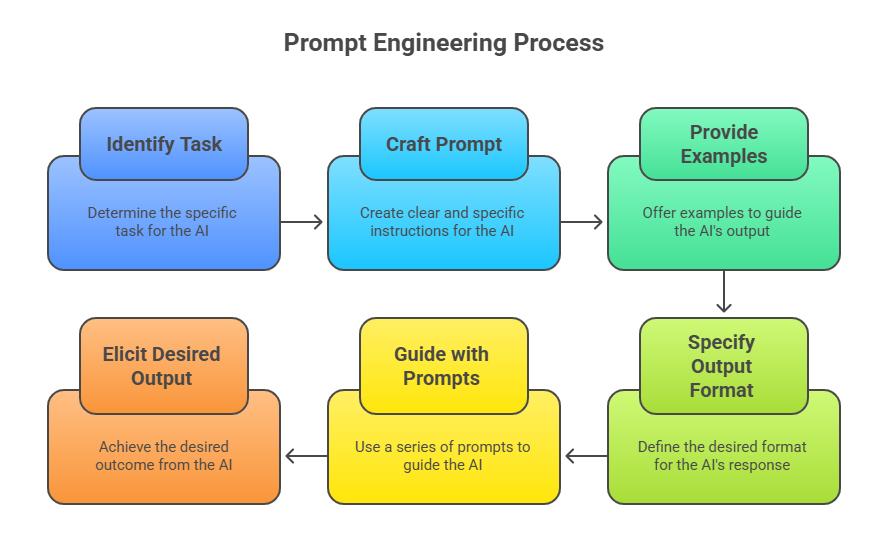
To get the best results from Claude Code:
Use Strong Prompts
- Mention Angular + ADF version
- Provide code snippets
- Be specific about the problem
Avoid Weak Prompts
- “Fix my code”
- “Something is not working”
Better prompts = better output.
Limitations of Claude Code
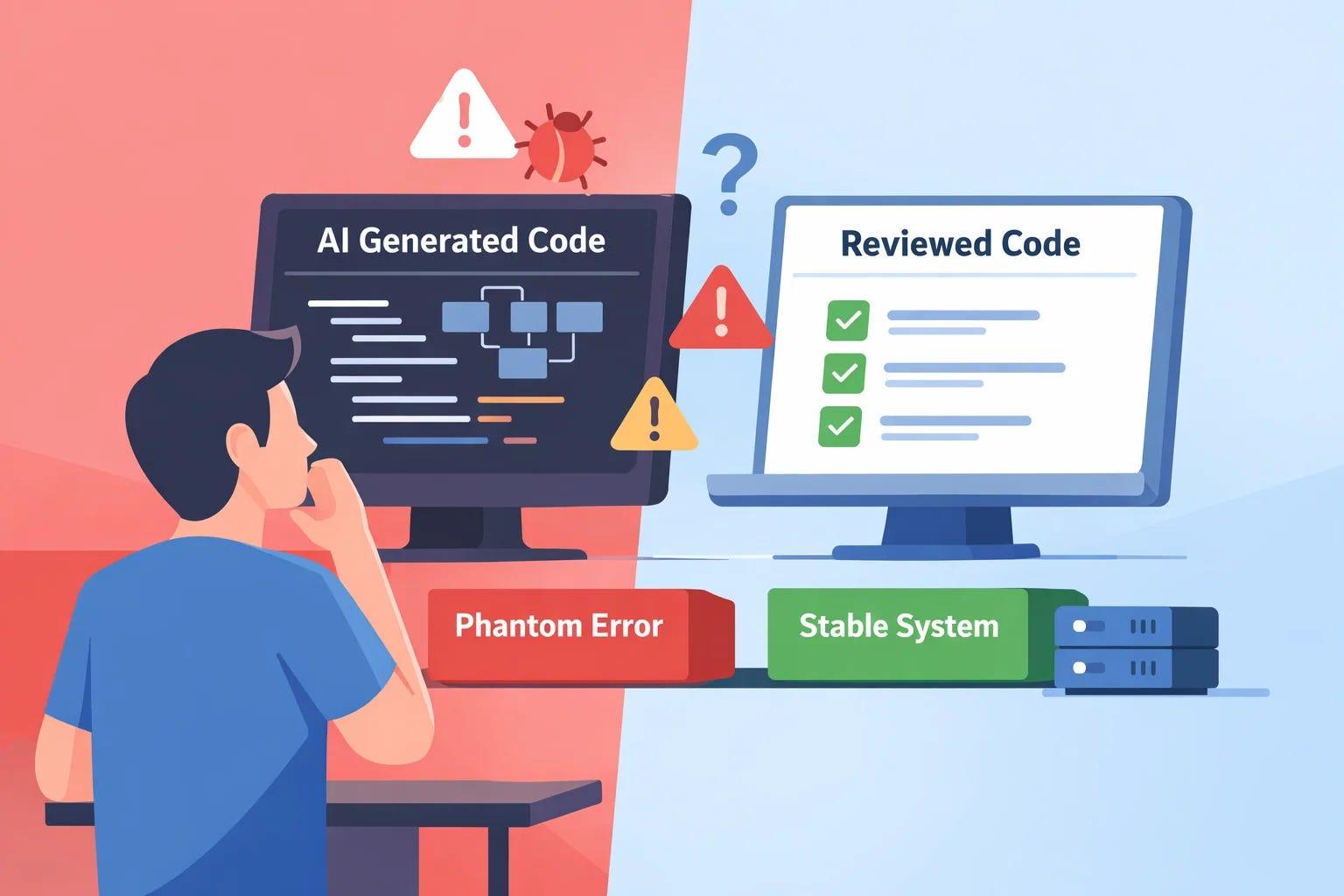
Despite its advantages, you should be cautious:
- May not reflect latest ADF updates
- Doesn’t know your custom backend setup
- Needs validation for complex BPM workflows
Use it as a smart assistant, not a replacement for expertise.
Best Practices for Using Claude Code in ADF Projects
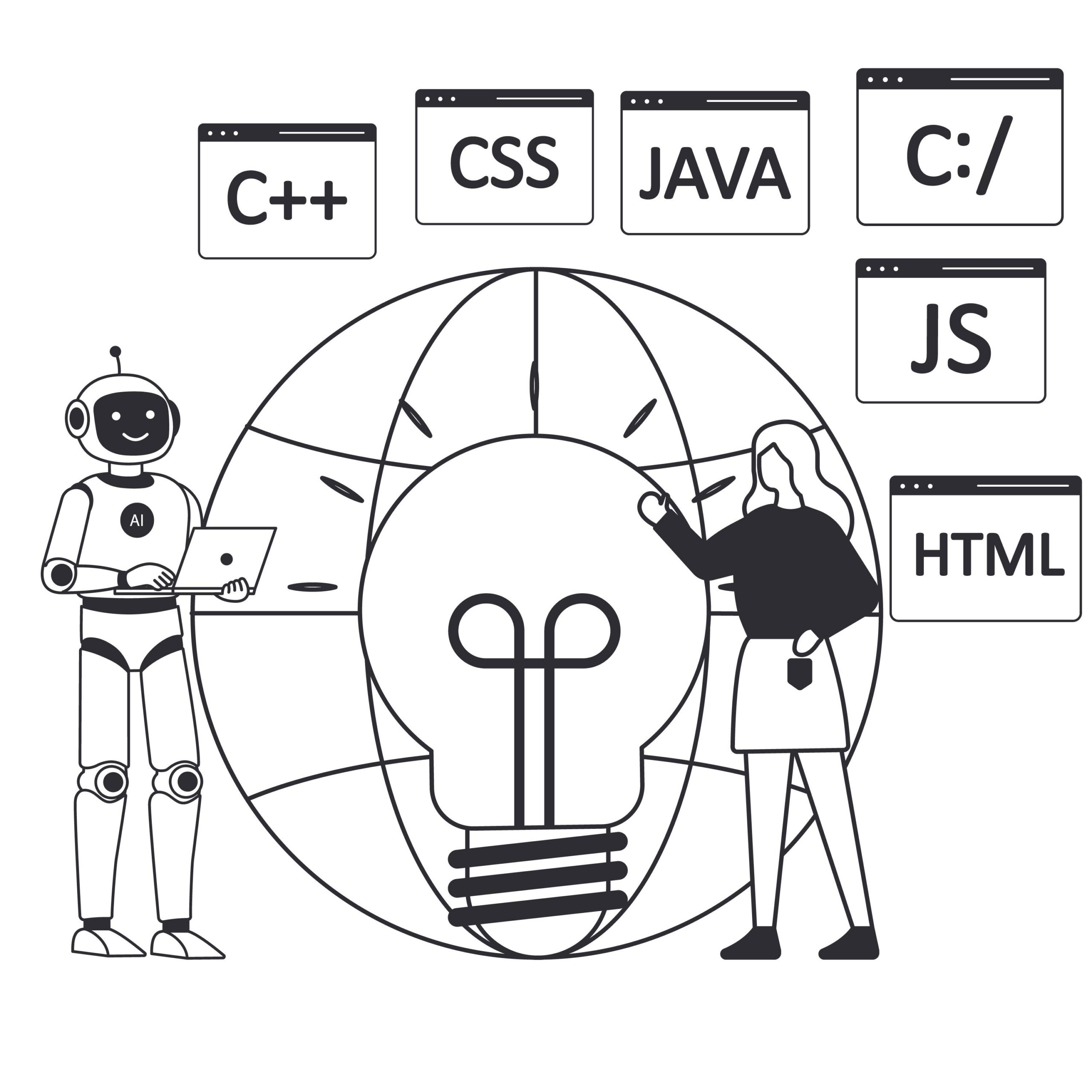
- Always provide context (framework, version, goal)
- Share real code for debugging
- Validate outputs before production use
- Use it iteratively (multi-turn conversations)
Conclusion
Claude Code is transforming how developers build applications with Alfresco ADF and Angular. It reduces complexity, speeds up development, and helps overcome documentation limitations.
For developers working in enterprise ecosystems, this isn’t just a productivity boost—it’s a competitive advantage.
By using Claude strategically, you can shift your focus from troubleshooting frameworks to delivering real business value.