
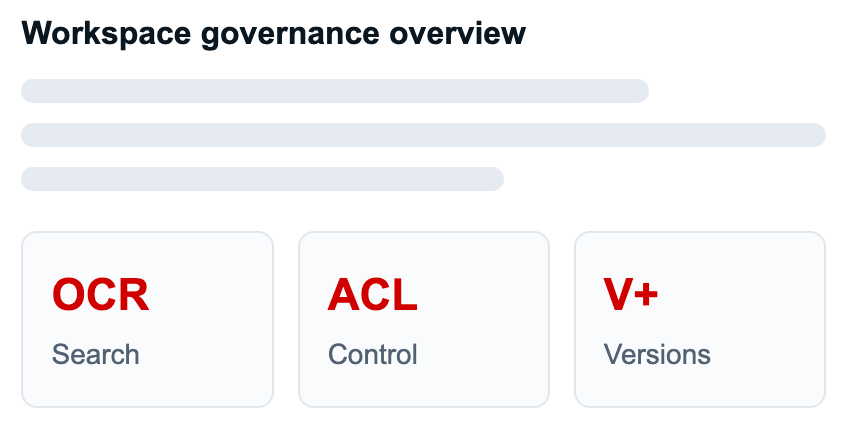
Map personal folders, shared spaces, document ownership, inherited permissions, direct shares, and activity signals in a cleaner operating layer for document-heavy work.
Expose unmanaged sharing, unclear ownership, conflicting edits, stale locks, and overbroad group permissions before they become operational or compliance problems.
Use check-out, check-in, version upload, force unlock, timeout cleanup, notifications, and audit-aware activity to reduce conflicting document updates.


Shared-with-me views, badges, notifications, and audit-aware activity make access decisions legible.
Changes flow between desktop folders and DocsDrive workspaces.
Keep important files available when travelling or working on weak connections.
Support common enterprise desktop environments without retraining users.
Align desktop edits with check-out, versioning, and governed collaboration.
Give business teams a simple way to share documents without losing governance. Users work inside role-aware workspaces while administrators retain visibility over ownership, access, and activity.
Turn scanned PDFs, images, invoices, forms, and archived records into searchable knowledge. DocsDrive helps users find content by filename, metadata, extracted text, and context instead of manually browsing folders.
Give users Dropbox-like convenience for enterprise content. The DocsDrive Desktop Sync utility for macOS and Windows keeps selected workspaces and folders available locally with bidirectional sync and offline access.
Keep review cycles controlled when teams update proposals, policies, contracts, board papers, or project documents. Users can collaborate around the latest version while retaining a reliable history of changes.

A distributed services team uses OCR-backed search and workspace-led navigation to reduce time spent finding current files.
A compliance-heavy team replaces informal file passing with user, group, direct, and inherited access visibility.
A document operations group uses check-out, check-in, locks, and version uploads to protect shared document updates.

Request for information or demo.
Request for information or schedule a solution demo.
Request for information or schedule a solution demo.